Online Booking
Online booking software that turns availability into an appointment
Give customers a direct place to choose a service, see suitable appointment availability and complete a booking without turning every appointment into a message thread.
Customers do not need to download an app or create an OpenBookings customer account to use your public booking experience.
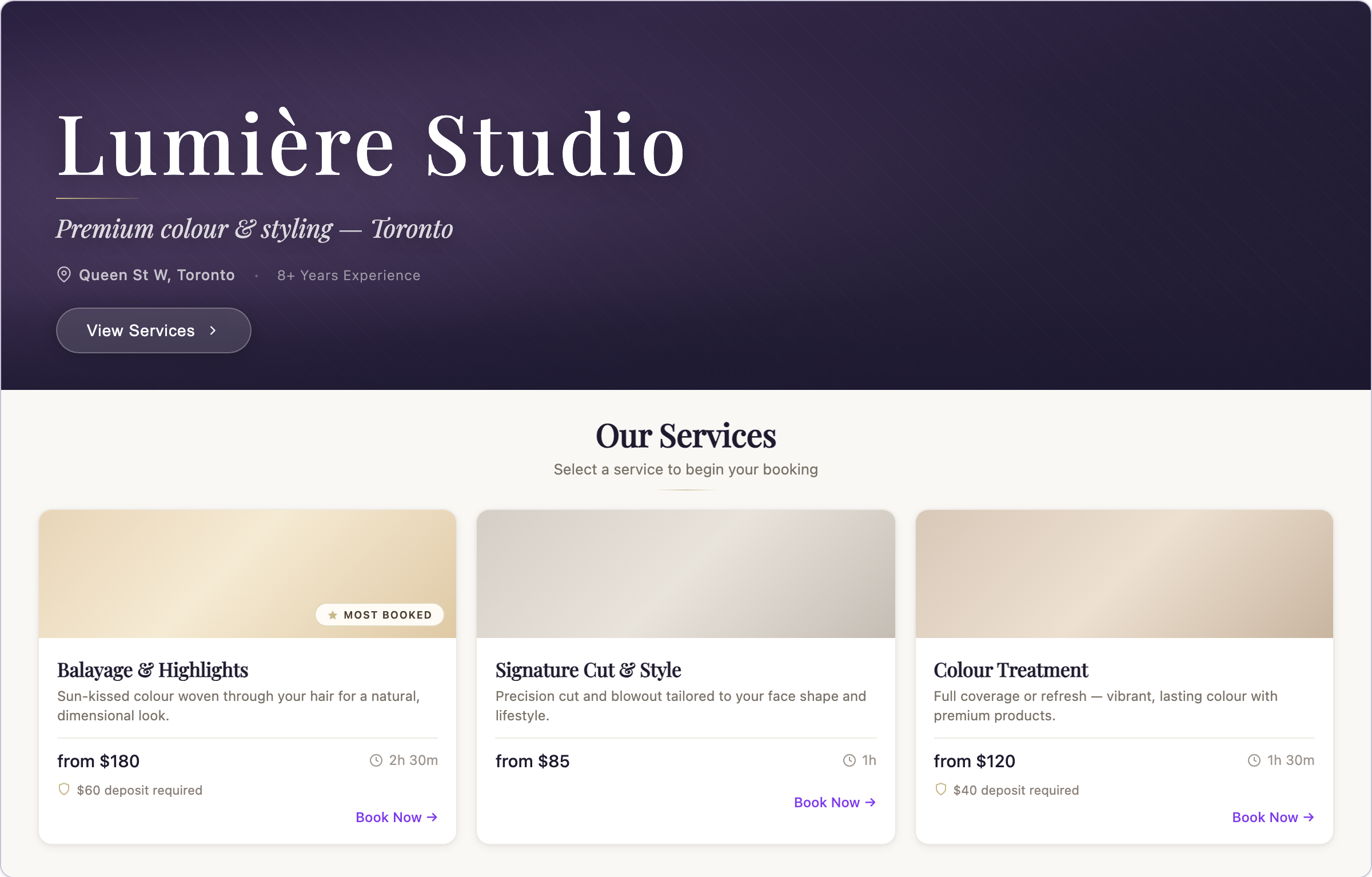
Give customers one booking destination to use
Your OpenBookings booking destination gives customers a direct way to start an appointment from a link you share. Use it from your website, social profile, text message or anywhere else you can share a normal web link.
Customers can browse the services you make available, review the booking information you provide and continue into the appointment flow without needing an OpenBookings customer login.
Keep the customer booking flow connected
Online booking works best when the customer's choices stay connected to the same scheduling system that knows what can actually be booked.
Choose a service
Customers can browse the services you make available for online booking, including duration and price information configured for the service.
Choose who, when relevant
On the Team plan, customers can choose a specific eligible provider or use Anyone / No preference when that option applies.
See suitable appointment times
The booking flow connects customer choice to the scheduling availability currently available for that service and provider.
Complete the booking
Supported add-ons and applicable deposit steps stay connected to the same booking flow instead of becoming a separate message thread.
Let customers choose a provider — or prioritize the time
In a multi-provider business, some customers care about who they book. Others care more about getting the appointment time that works.
Where multiple eligible providers can deliver the service, OpenBookings can let the customer choose a specific provider or select Anyone / No preference.
Availability stays connected to the choice
The customer is not simply choosing a name from a list. The booking flow uses the service and provider context to determine which appointment times are suitable to offer.
Explore all booking features →Keep eligible booking changes out of the inbox
Customers can use their secure Manage Booking link to review their appointment and, where the booking rules allow it, reschedule or cancel without contacting the business for every change.
No suitable appointment? Keep the demand
When supported customers cannot find suitable availability, the waitlist provides another path instead of requiring them to keep checking manually. If relevant availability later returns, OpenBookings can help reconnect that waiting demand with the opportunity.
Online booking focused on service appointments
OpenBookings is designed for appointment-based service businesses where customers book time with a service provider.
It is not currently positioned as a marketplace, restaurant or table reservation system, events/classes platform, equipment or resource scheduler, or e-commerce platform. OpenBookings helps businesses that already attract their own customers give those customers a direct way to book appointments.
Make the next appointment easier to book
Give customers a direct booking experience connected to your services, availability and appointment workflow.